How to View or Edit Your Profile in TrustUS
Updated: 04/13/2022
Article #: 24
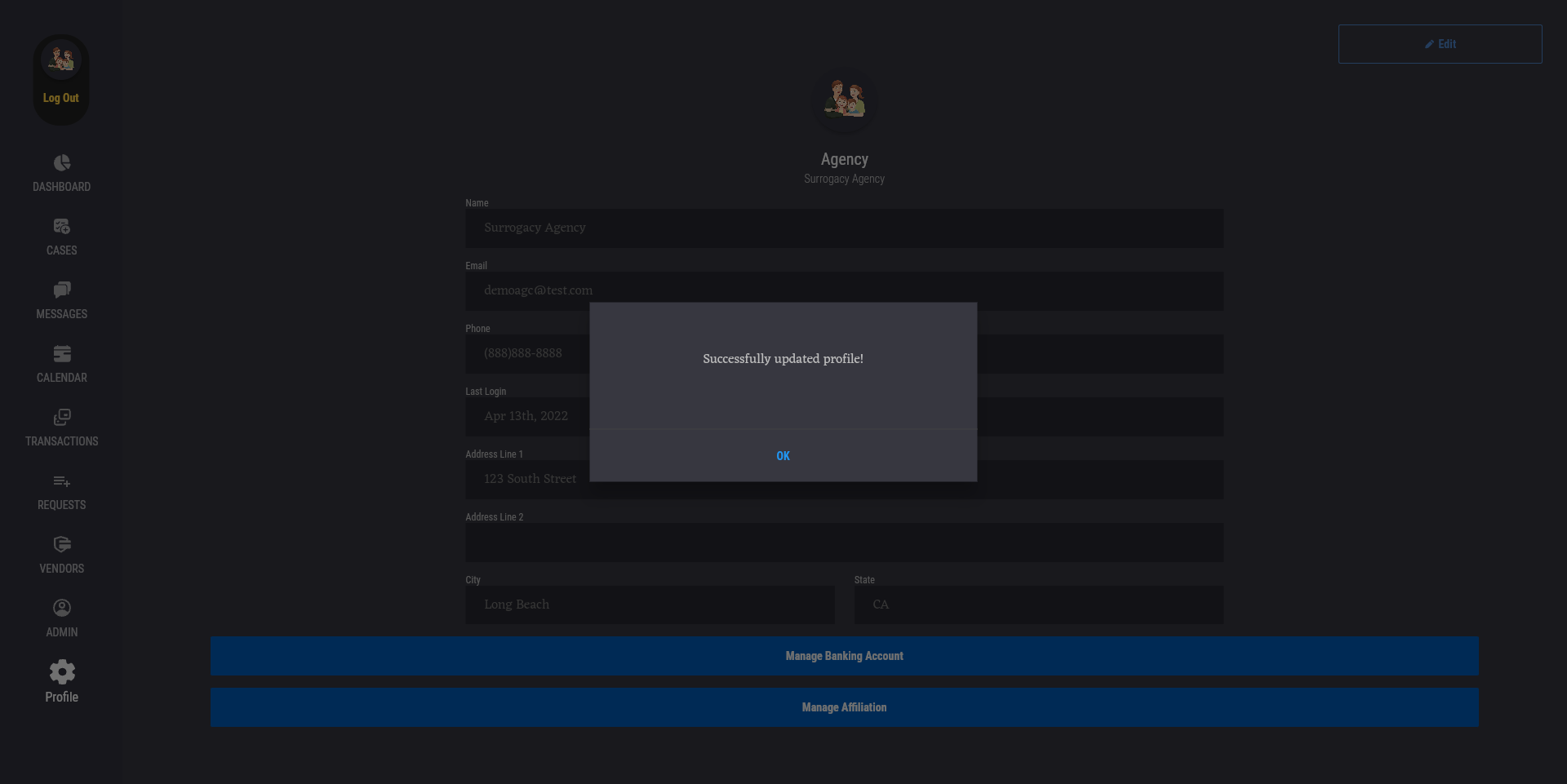
To view or edit your TrustUS account profile, press the "Profile" tab to go to the Profile page. On this page, you can view your TrustUS account's profile information, such as user name, email, phone, last login, and address.

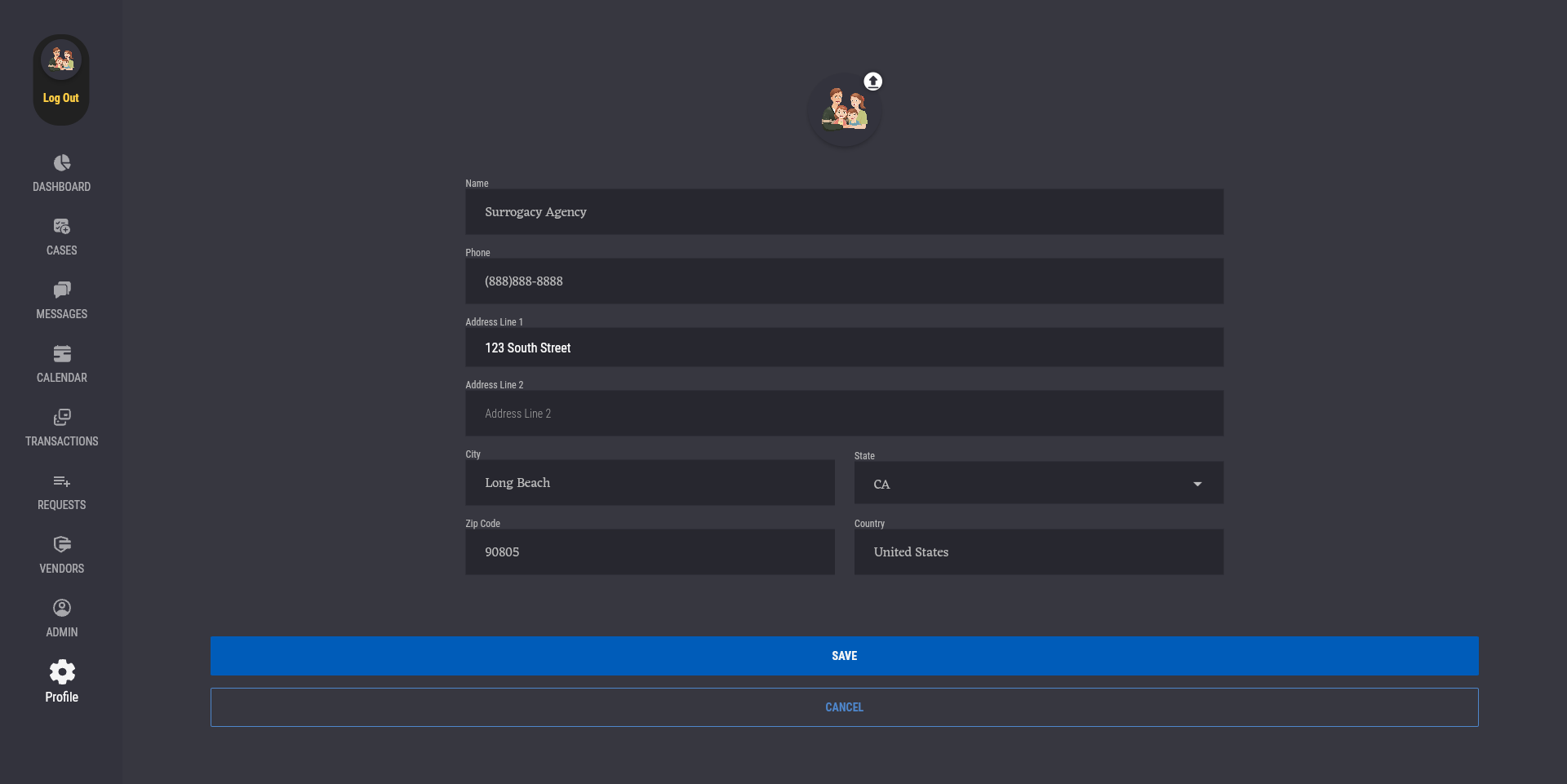
To edit your profile, press the "Edit" button at the top right of the page to go to the "Edit Profile" page. The user can update their profile picture by clicking on the profile picture or the upload button on its top right corner. The user is also able to change their profile information. When finished editing, press the "Save" button at the bottom to save your changes.
|
Rate this Topic:
|
|||
|
